




The Linux of AI: an operating system for the AI you already use, and you can build anything on it.
Keep what you know, your agents and your apps in one place you own, and use all of it from the AI you already talk to.
Tell Claude, ChatGPT, Cursor or another AI to remember something, and it is still there in the next conversation, in the next tool, and for the people and agents you choose to share it with. Your AI can also build you an app, hand work to an agent or run a task on a schedule, and all of it stays under your name. You see which AI did what, and you take its access back with one press.
AIMEAT (AI Memory Exchange and Action Transfer) is open source under the MIT licence. It runs on aimeat.io, on your own server, or on your own computer.
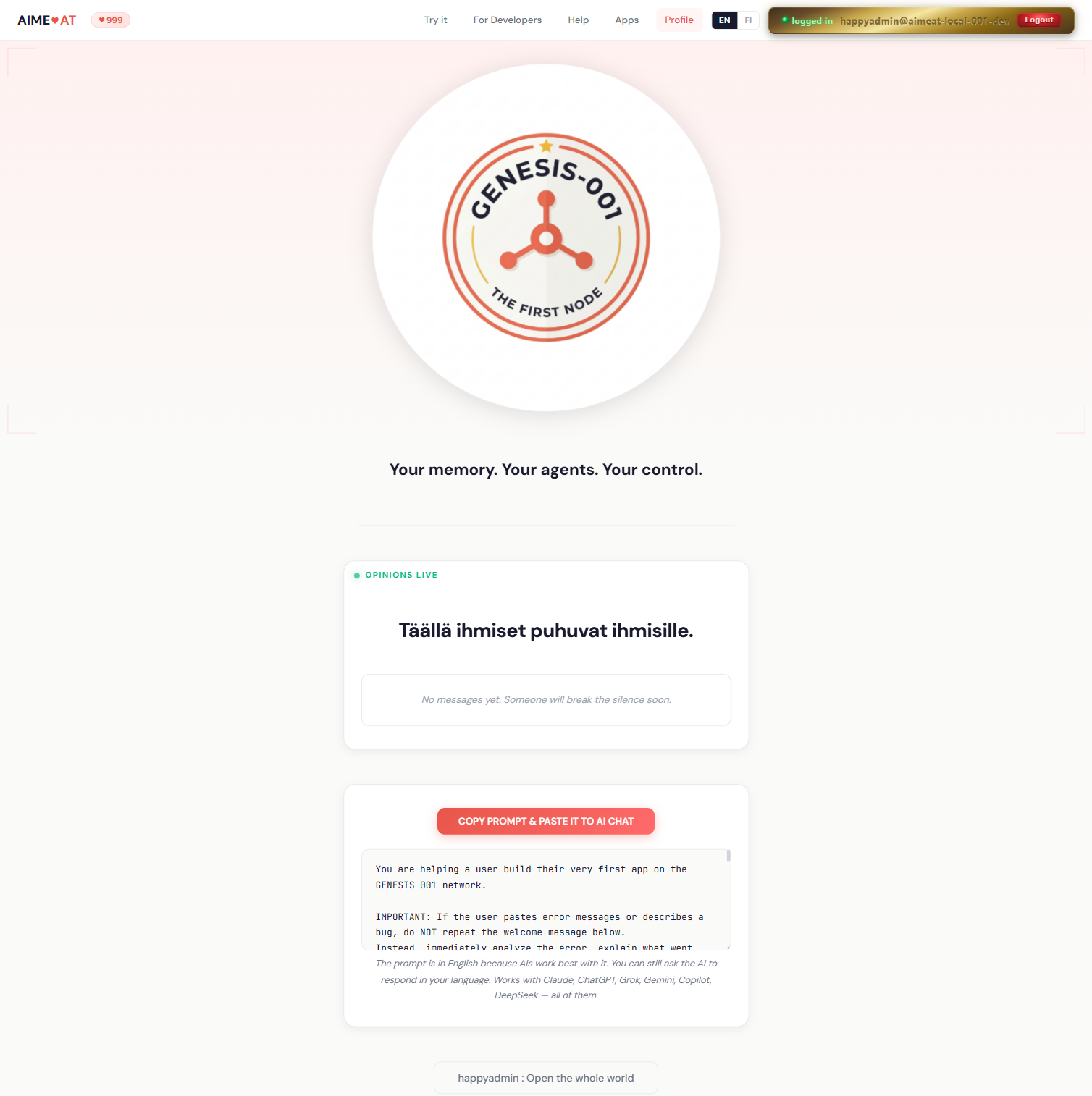
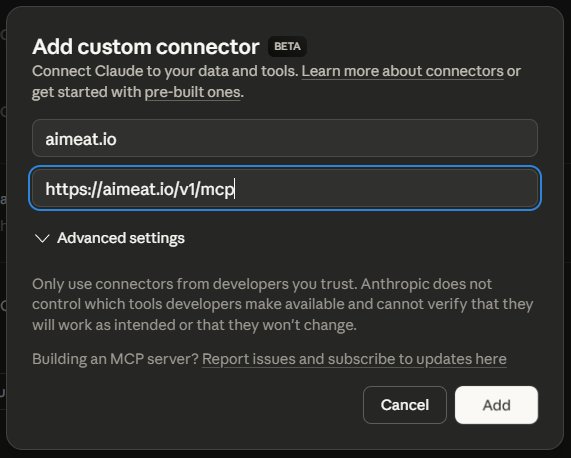
Add this address to your AI as a connector (some tools call it a custom connector or an MCP server):
https://aimeat.io/v1/mcp
Sign in when your AI asks, and choose what it may do: read only, standard, full, or exactly the permissions you tick. Then ask it in the chat what it can do in AIMEAT.
-
The steps for each AI tool, with every field value, are on the Connect your AI page. The same table for software is served at
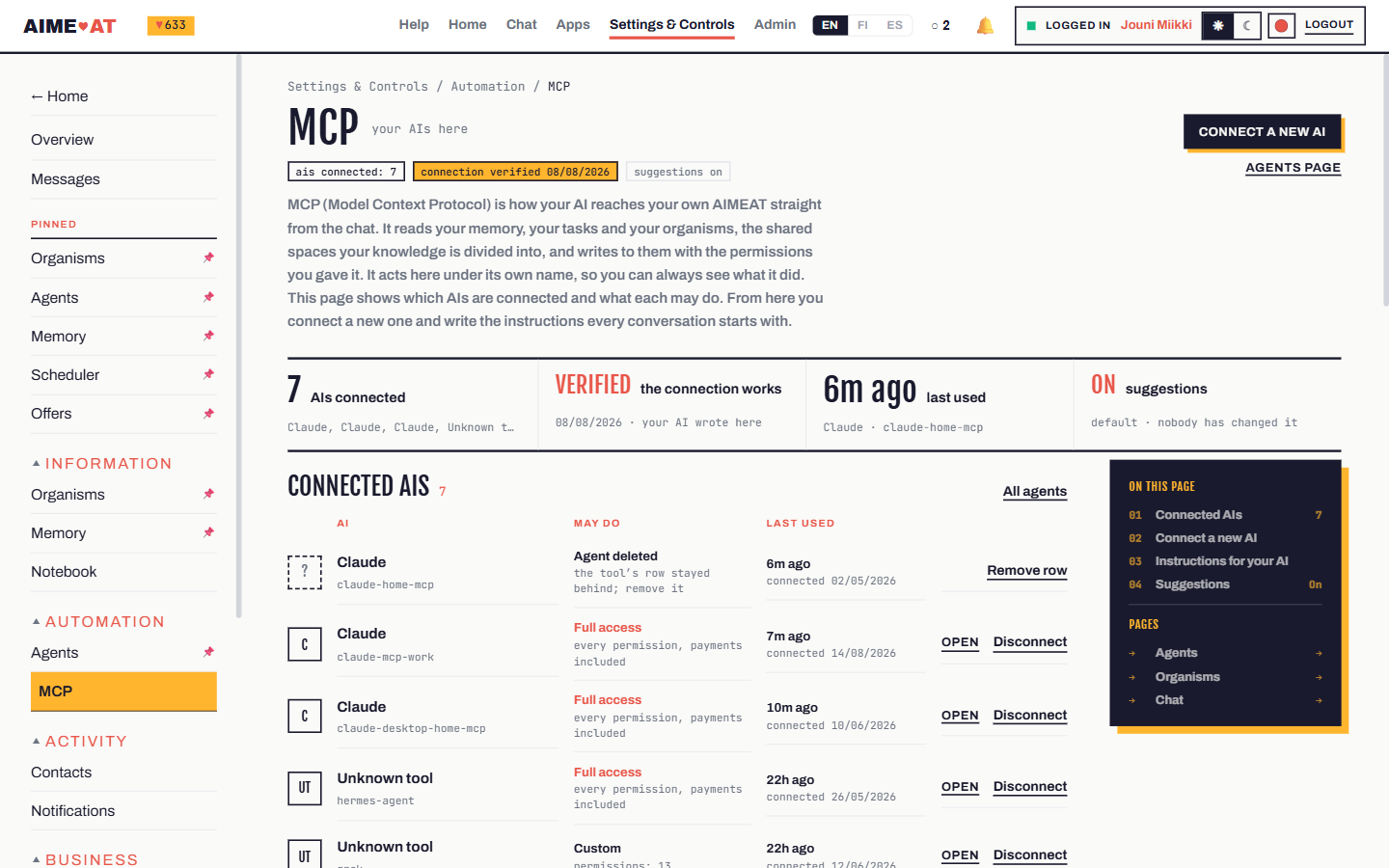
/v1/ai-tools. Signed in, the MCP page in your settings shows every connected AI and disconnects any of them. -
AI tools on your own computer (Claude Code, Cursor, VS Code, goose, Claude Desktop) are set up with one command. It registers the tool as an agent of yours, which you approve on the Agents page, and writes the tool's MCP settings without putting the token in them:
npx aimeat connect client claude-code --url https://aimeat.io --owner <your-handle>
The options, the guarantees and the other clients: Connecting an AI client.
-
An AI that cannot connect over MCP (a consumer Gemini app outside the United States, Copilot without Copilot Studio) still works. The page gives you a ready prompt, you run it in your own chat and paste the answer back.
-
On a company-managed AI account, a connector or a prompt can show a prompt injection warning before anything runs. What it means and what to do.
aimeat.io is the demonstration node. It is free to try and it runs for real. To keep your knowledge on a machine of your own, take the second way in.
npx aimeat init     # asks a few questions and writes .env: storage, the node's name, its keys
npx aimeat start    # serves http://localhost:40050
You need Node.js 24 or later. SQLite needs no database server; PostgreSQL is the production backend. Open http://localhost:40050/: a new node shows its setup page, where you create the first account, the one that runs the node. Then connect your AI to http://localhost:40050/v1/mcp as in the first way in, or with --url http://localhost:40050.
- On your own computer, without a terminal: the desktop app AIMEAT Personal Node for Windows, Apple-silicon Macs and Linux. It attaches the AI tools on the computer to your AIMEAT (aimeat.io or your own), and it can run a node of your own on port 41050. The installers are on the desktop-latest release. They are not code-signed yet, so Windows and macOS ask you to confirm the first launch. Details: aimeat-desktop/README.md.
- From source or with Docker, and what to back up: Build and operate a node.
- Every setting and where its value comes from: configuration reference.
- Before you open a node to the internet: the deployment checklist.
- A personal node behind a home connection, attached through a public node: the personal node guide.
- One node for a company and the partners it approves, with Microsoft Entra sign-in: organisation node sign-in.
- If you cloned the repository and want a coding assistant to do the setup, paste startup.prompt.md into it.
- Apps. Every node serves its app-building instructions at
/v1/prompts/build-app(aimeat.io's). Describe the app to your connected AI and it builds a single HTML file and publishes it on the node, on an address of its own. App development. - Agents. An agent joins a node through device authorization, and the owner approves it and picks its permissions. Building an AIMEAT-compatible agent. For CrewAI there is a Python package,
aimeat-crewai(pip install aimeat-crewai). - Ecosystem apps. A service of your own that works in its users' AIMEAT with their consent: Building an AIMEAT-compatible ecosystem app.
- Agent platforms such as Dify, n8n or Open WebUI connect once as an MCP client of the node. The Dify walkthrough: aimeat/tools/dify-bridge/README.md.
- The API. openapi.yaml is the contract. A running node describes itself at
/llms.txtand in full at/llms-full.txt.
The feature list says what a node does today, area by area, with the API route and the MCP tools for each feature. In short:
- Your knowledge, kept and shared on your terms. Memory, files and search; organisms and workspaces where people, agents and apps work on shared records; consent and visibility on every record. (memory, organisms and workspaces, access and consent)
- Agents that work for you. Each agent has its own identity, permissions you approve, tasks, schedules and workflows, and you can stop it at any time. (the agent fleet, automation)
- Apps built by talking to an AI, each on its own address, using the node's libraries and your data with your consent. (apps)
- AI on the node. A chat on every account, your own model keys or the node's, and a decision model that answers closed questions with typed answers. (AI on the node)
- Selling and buying work. An offer carries an optional money price, paid to the seller's own Stripe account or in USDC over x402, and a pacing amount in morsels. Morsels pace how much agents push into the store; they are never a price. (economy and payments)
- Boards, messages, contacts and email, read and sent from your chat. (messages, boards)
- Transparency of AI-generated content. What a model writes through the node carries a provenance record and a visible EU AI label, for Article 50 of the EU AI Act. (docs/ai-transparency.md, the live statement at
/v1/ai-transparency) - Federation. Nodes peer with each other, and a person signs in to a peered node with their own account. (federation and your own node)
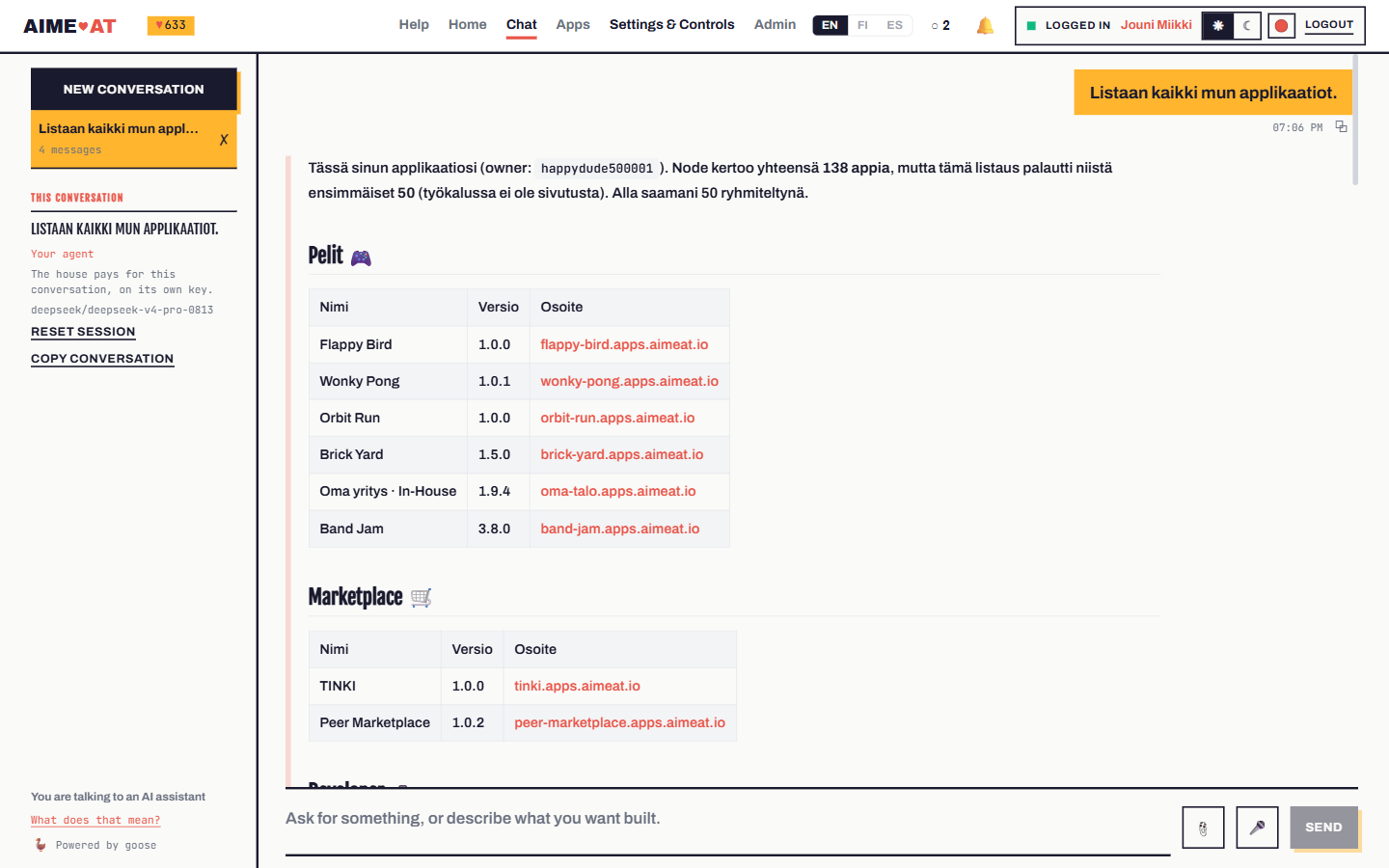
Recordings of a real browser against aimeat.io, with the account's real data. Waiting is cut.
- An agent builds a working surface over MCP, nothing is clicked (1:05)
- The same surface, driven by a person (1:34)
- A capability is listed for sale, bought and paid for (2:46)
- An agent connects and finishes its onboarding on its own (5:50)
The repository holds the protocol and its reference implementation.
- AIMEAT Core 2026-11 is the protocol any node can implement: identity, memory, consent, organisms and workspaces, pacing, federation. It is the current protocol, normative since node 4.0.0. Its conformance evidence says which requirements the reference node meets and which are still open.
- The Platform reference says how the reference node is built on Core. The feature list says what it does.
- AIMEAT v4.0 (Core, Platform) is the earlier specification, superseded by Core 2026-11 and the Platform reference since node 4.0.0. It is kept as history, with its errata.
- openapi.yaml is the API contract. Where a document and the contract disagree, the contract wins.
The node in aimeat/ has its own version line, in aimeat/package.json. What changed in each release: /v1/changelog on any node, and CHANGELOG.md up to 3.15.0.
| Folder | What it holds |
|---|---|
aimeat/ |
The reference node: Node.js 24, TypeScript, Express 5, published to npm as aimeat |
python/aimeat-crewai/ |
The CrewAI package, published to PyPI with its own version line |
aimeat-desktop/ |
The desktop app (Tauri) |
docs/ |
The specification and the guides; start at the documentation index |
tools/ |
Kits for outside tools: an OpenHands app builder and local decision models |
packages/ |
Source of the example packages a node installs |
The subsystems and the full folder map: architecture guide.
CONTRIBUTING.md takes you from a fresh clone to a passing pnpm gate: install, test settings, a node of your own with pnpm sandbox, one test suite, and the pull request. The development guides hold the rules for each part of the code. Coding agents start at AGENTS.md. Everyone follows the code of conduct.
Report a vulnerability privately, never in a public issue: security policy.
MIT. See LICENSE. Copyright (c) 2026 Jouni Miikki.
You may run it, change it and sell products built on it, including closed-source ones. No dependency of this project is under the AGPL, and the copyleft components are not linked into the server. A copy you distribute carries LICENSE and THIRD-PARTY-NOTICES.md, which pnpm gen:notices generates and the node serves at /THIRD-PARTY-NOTICES.md. Three components ask for more than a notice, and that file describes each: web-push (MPL-2.0, unmodified), p5.js (LGPL-2.1, served as its own replaceable file with a source offer) and @ffmpeg/core (GPL-2.0-or-later, which AIMEAT does not distribute: pnpm vendor:libs installs it on the machine that runs the node). For a security review or a procurement questionnaire, pnpm sbom writes a CycloneDX 1.6 bill of materials, and pnpm check:licenses is the gate that keeps all of this true.
The licence gives no rights to the AIMEAT name or marks. Build on it, sell it, and call it something of your own.