
Walks a git repo's full history and produces a single self-contained HTML file showing how code ownership (surviving lines per author) evolved over time.
Linux kernel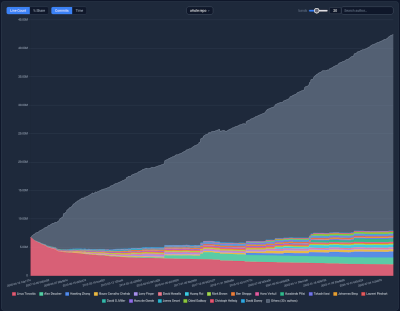
|
git-bug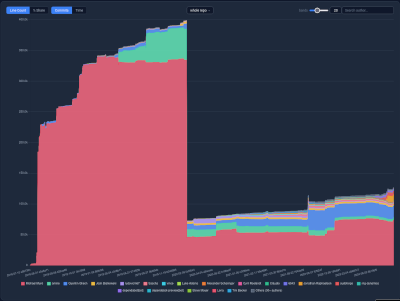
|
Home Assistant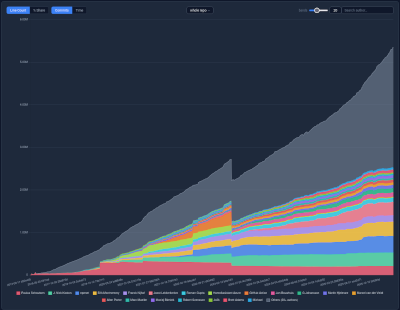
|
Kubernetes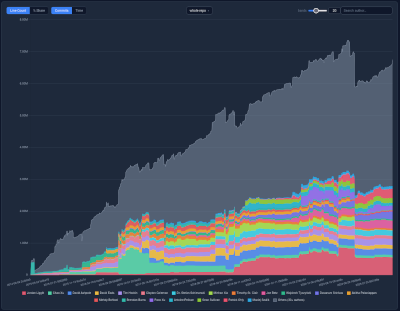
|
Traefik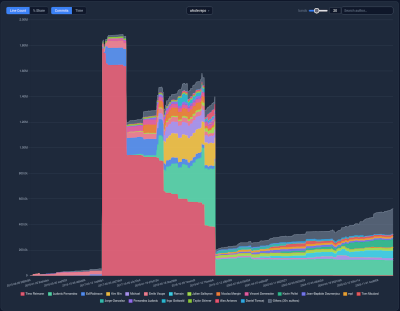
|
GIMP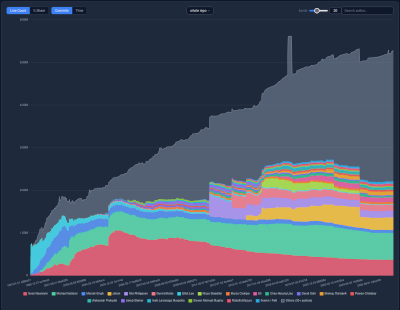
|
go build -o git-ownership .
No external dependencies.
git-ownership /path/to/repo
This writes <reponame>.html in the current directory. Open it in a browser.
To exclude vendor or generated files from ownership tracking, or to restrict it to part of the repo (all three flags can be repeated):
git-ownership --exclude vendor/ --exclude '*.pb.go' /path/to/repo
git-ownership --include /pkg/ --exclude testdata/ /path/to/repo
git-ownership --exclude-regex '^vendor/' /path/to/repo
--include and --exclude patterns follow .gitignore syntax:
| Pattern | Matches |
|---|---|
vendor |
any file or directory named vendor, at any depth |
vendor/ |
any directory named vendor, at any depth |
/vendor/ |
only the vendor directory at the repo root |
*.pb.go |
any file ending in .pb.go, at any depth |
docs/*.md |
.md files directly in the root docs directory |
**/testdata/** |
everything under any testdata directory |
A file is tracked when it matches at least one --include (if any are given)
and no --exclude or --exclude-regex. Negation (!pattern) is not supported.
| Flag | Default | Description |
|---|---|---|
--branch |
HEAD |
Branch/ref to analyse |
--output |
<reponame>.html |
Output file path |
--max-points |
1000 |
Max chart data points — commits are strided to fit (0 = record every commit) |
--max-graph |
50 |
Max authors included as individual chart datasets (0 = all) |
--folder |
10 |
Number of sub-folders to break down (0 = whole repo only) |
--workers |
num CPUs | Parallel git log workers |
--include |
(all) | Only track paths matching this pattern (repeatable) |
--exclude |
(none) | Exclude paths matching this pattern (repeatable, e.g. vendor/) |
--exclude-regex |
(none) | Exclude file paths matching this regex (repeatable, e.g. ^vendor/) |
A single fully self-contained .html file with Chart.js embedded — no
internet access required.
- Hover for a tooltip showing all authors at that commit, sorted by line count
- Click a band or legend entry to open the author panel (stats + sparkline)
- Toggle between Line Count / % Share and Commits / Time x-axis
- Bands slider controls how many authors get individual colored bands; the rest are grouped into Others — click any Others member for their individual sparkline
- Folder dropdown (when
--folder> 0) switches between whole-repo and per-folder breakdowns - Search by name or email to jump to any author